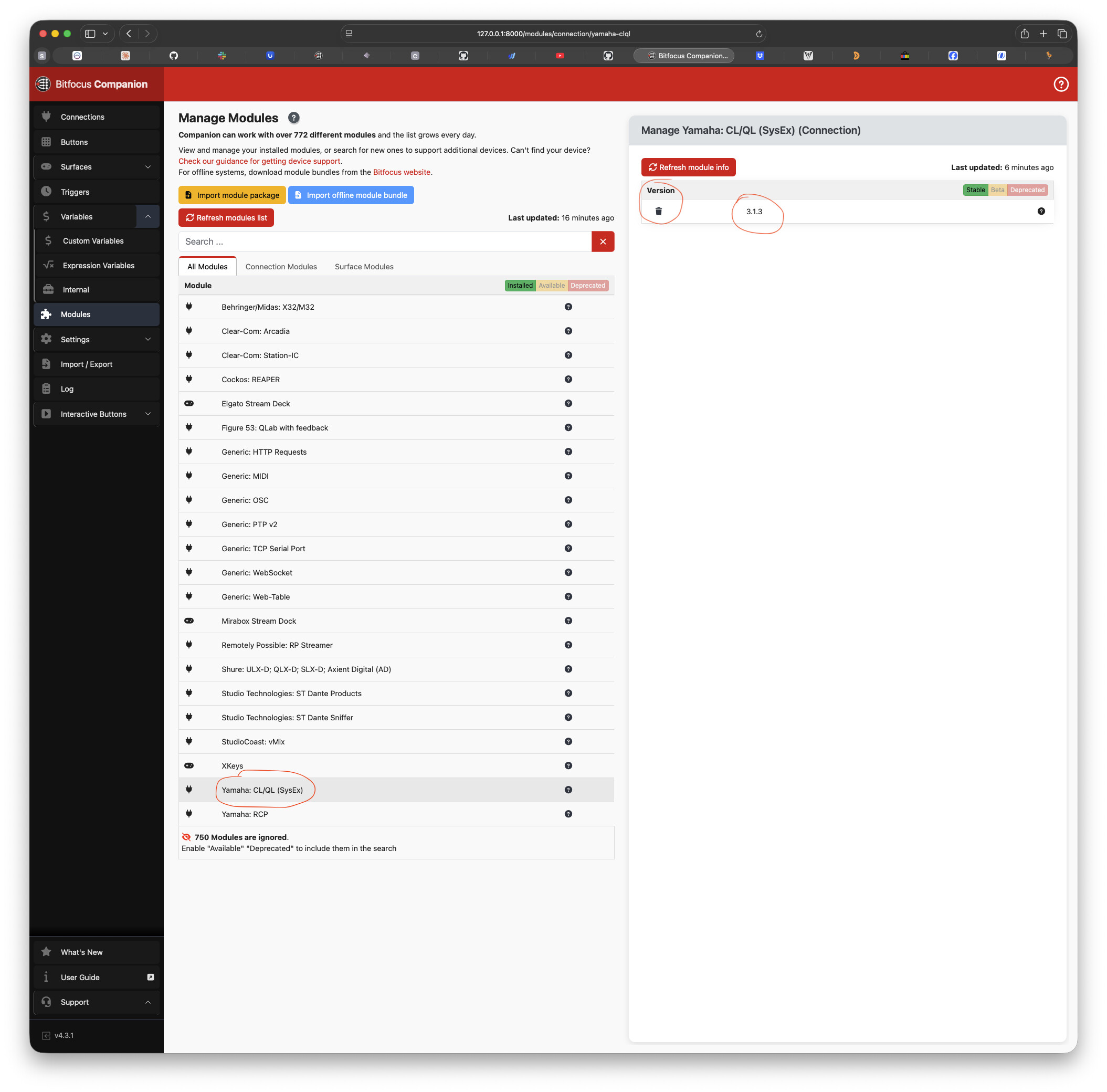
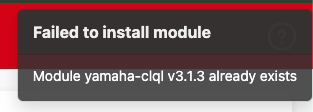
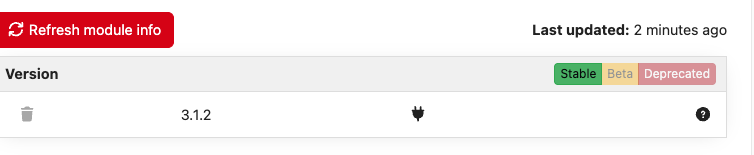
On the latest version of Companion (4.3.1), the Yamaha CL/QL module is causing the whole interface to “hang” for about 6 or 7 seconds before working again. The Streamdecks all operate fine while this is happening but all UIs open become unusable during this time. My CL/QL version is on 3.1.2. I was going to update to 3.1.3 before posting here but I am unable to get the tgz file to install in the Manage Modules page. It shows that the module for 3.1.3 already exists but I cannot find it anywhere on the page. The only options to update is 3.1.2 and Dev and when I try to delete the module from the Manage Modules page it says:
Failed to uninstall module
Module connection yamaha-clql v3.1.2 doesn’t exist
I’ve restarted everything but cannot seem to get this to work. Everything works fine prior to 4.3 and when I disable the YamahaCL/QL connections (i am only using two), it goes back to working fine. Also if I leave one of the connections active versus both, it still will cause the UI to hang.
EDITING TO ADD - I disabled all modules except for the YamahaCL/QL modules and it still caused the interface to hang up. I am also using several instances of the YamahaRCP connection and it is working fine.
You should be able to delete old modules on the modules tab, as long as you don’t have them “active” in the connections tab. Be careful not to delete a module in the connections tab, as that also deletes every action/feedback/variable, etc. for that module.
Adding to this thread - I just downloaded 3.1.3 and it’s also causing my instance of Companion to hang. It happens when I go to create a new button or modify an existing one. When I turn the connection off on the Connections page, Companion starts working again no sweat.
The machine Im on is a Mac Studio, not sure if the ARM version of Companion has something to do with it, but hoping that information is useful.
Sorry for my extremely late reply. It’s only showing 3.1.2 and saying that the module is already installed. When the module is active, and I click on any button (not a button related to any of the Sysex actions) it won’t show anything on the ui button editor for about 15 seconds. The surfaces and emulators still work very responsively, it’s just the editor that hangs. It doesn’t get better after one button loads and you click to another. It takes bout 15 seconds for the next button as well.
I am (almost) positive it was 4.2.1. I think I still have previous versions installed so I can check real quick. I do know I upgrade to 4.3.0 to see if that would fix it.
This is a very very minor thing but something I have noticed. The UI on desktop does not hang anymore when clicking on a button. However one thing that I have noticed for a long time (for a few years I believe, so this particularly should not be related to the companion 4.3 issue). On mobile, I have rarely ever been able to access the UI. It just loads, then just refreshes over and over. and eventually just gives up and goes to a “not able to connect” screen. I have not tested this on an Android device. I can access emulators with no issues at all as long as I go directly to it by typing in the full URL. It turns out, this only happens when two of the Yamaha Sysex modules are connected. I never thought to check this before this issue came up, just assumed it was something to do with all mobile devices or our network. If I disable the instance on our QL or CL and leave the other active, it works fine and loads. Just when there are two. Again, this is not a “breaking” issue for me., just wanted to make you aware in case you weren’t. Hope this makes sense. Not a major issue for me or anything as trying to edit on the mobile interface is a nightmare, just wanted to bring it to your attention. Thank you again!
Understood. This module is quite unusual because it loads close to 5000 actions and feedbacks, which is FAR more than Companion was ever intended or built to handle. It’s actually quite surprising that it works at all, as most modules would have less than a few hundred.
The fix would be to try and pair down the actions and feedbacks to the ones “really needed” and block the rest. But, with over 20000 (yes, that’s right) commands, that’s more work than I’m up for.
It’s also a very old module, not widely used and for a discontinued product. I’m not saying it’s not useful - it’s very useful, but the time and effort required to make it better just doesn’t seem worth it when I could be spending my time on current products and other things, like my actual job!
Appreciate letting me know, though, in case others run into this problem. Thank you for your support!
Oooh yeah that makes sense! I figured it must be something due to that. Yeah, almost all of my use comes from the RCP module as I’m sure is the same for most people
Just found this topic while I wanted to report the same issue… so just to let you know, you were not alone, I had the same problems but with even longer waiting times. Tested on Macbook and Raspi, with CL and QL.