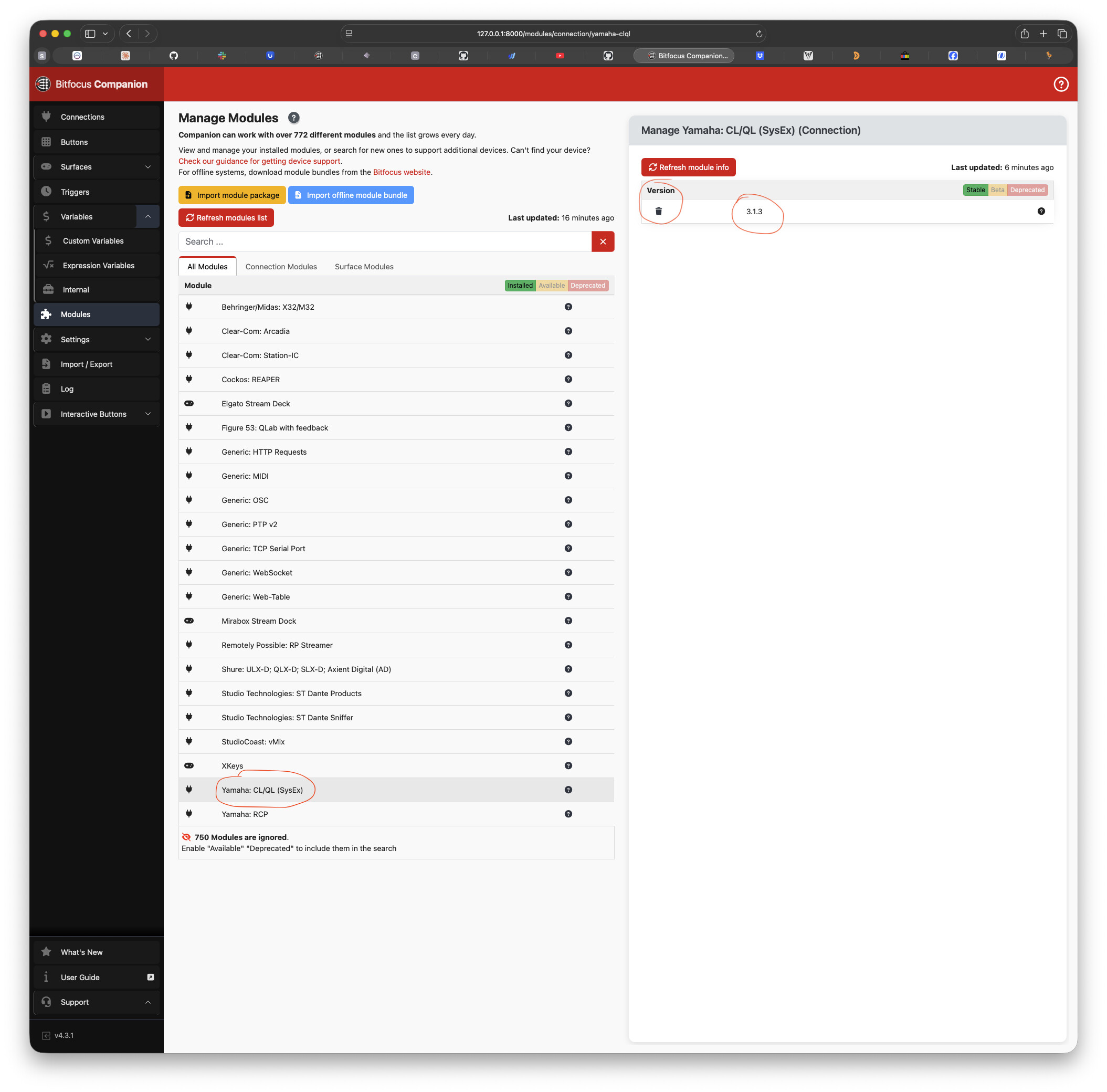
On the latest version of Companion (4.3.1), the Yamaha CL/QL module is causing the whole interface to “hang” for about 6 or 7 seconds before working again. The Streamdecks all operate fine while this is happening but all UIs open become unusable during this time. My CL/QL version is on 3.1.2. I was going to update to 3.1.3 before posting here but I am unable to get the tgz file to install in the Manage Modules page. It shows that the module for 3.1.3 already exists but I cannot find it anywhere on the page. The only options to update is 3.1.2 and Dev and when I try to delete the module from the Manage Modules page it says:
Failed to uninstall module
Module connection yamaha-clql v3.1.2 doesn’t exist
I’ve restarted everything but cannot seem to get this to work. Everything works fine prior to 4.3 and when I disable the YamahaCL/QL connections (i am only using two), it goes back to working fine. Also if I leave one of the connections active versus both, it still will cause the UI to hang.
EDITING TO ADD - I disabled all modules except for the YamahaCL/QL modules and it still caused the interface to hang up. I am also using several instances of the YamahaRCP connection and it is working fine.