Hey Andy, I’m testing the latest module with an arcadia, V4.0.83.15
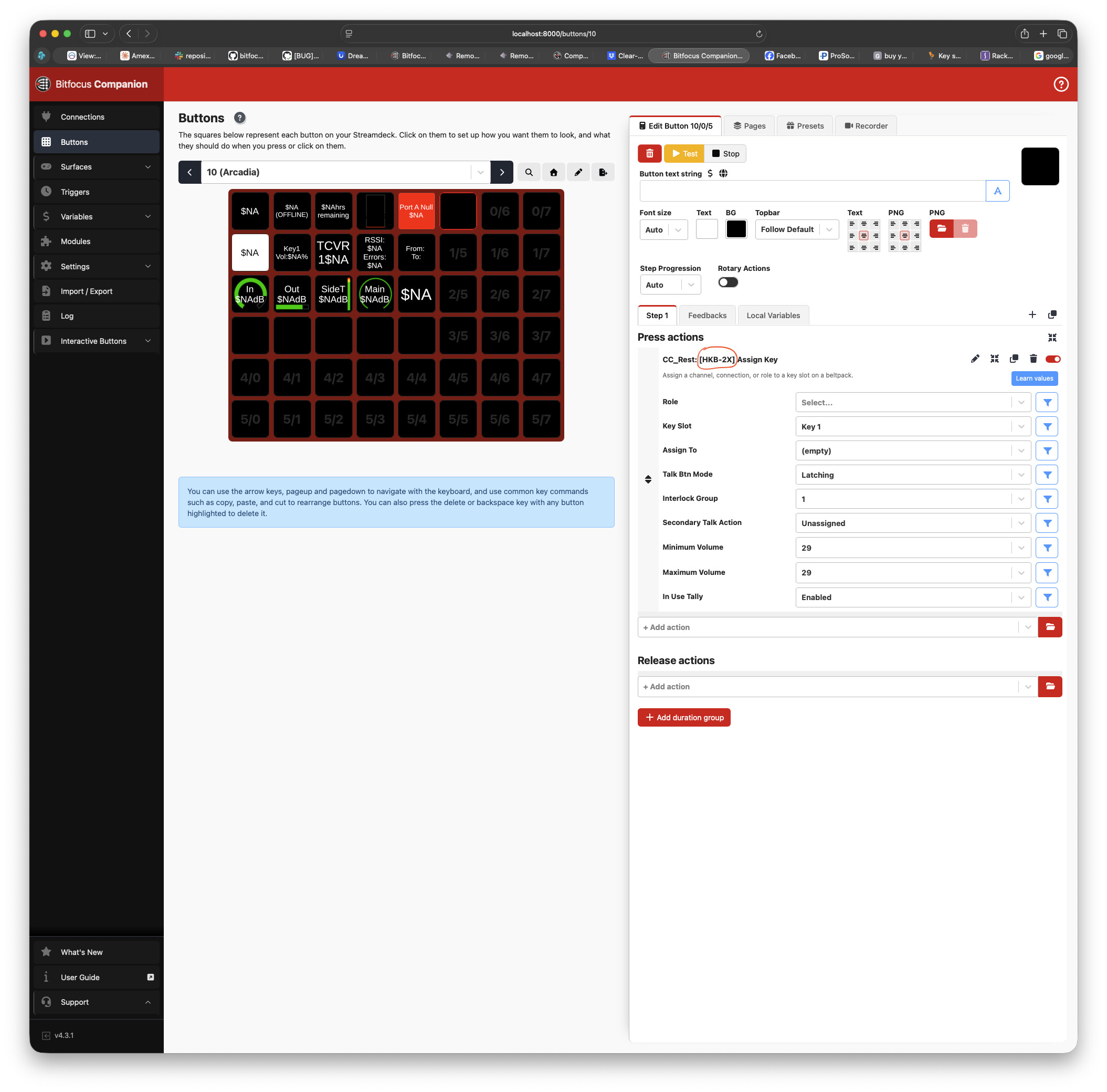
I find that when I use the assign key function, the first key in CCM will accept the new value and then revert to the original value. Key 3 also has this anomaly but 2 and 4 do not?
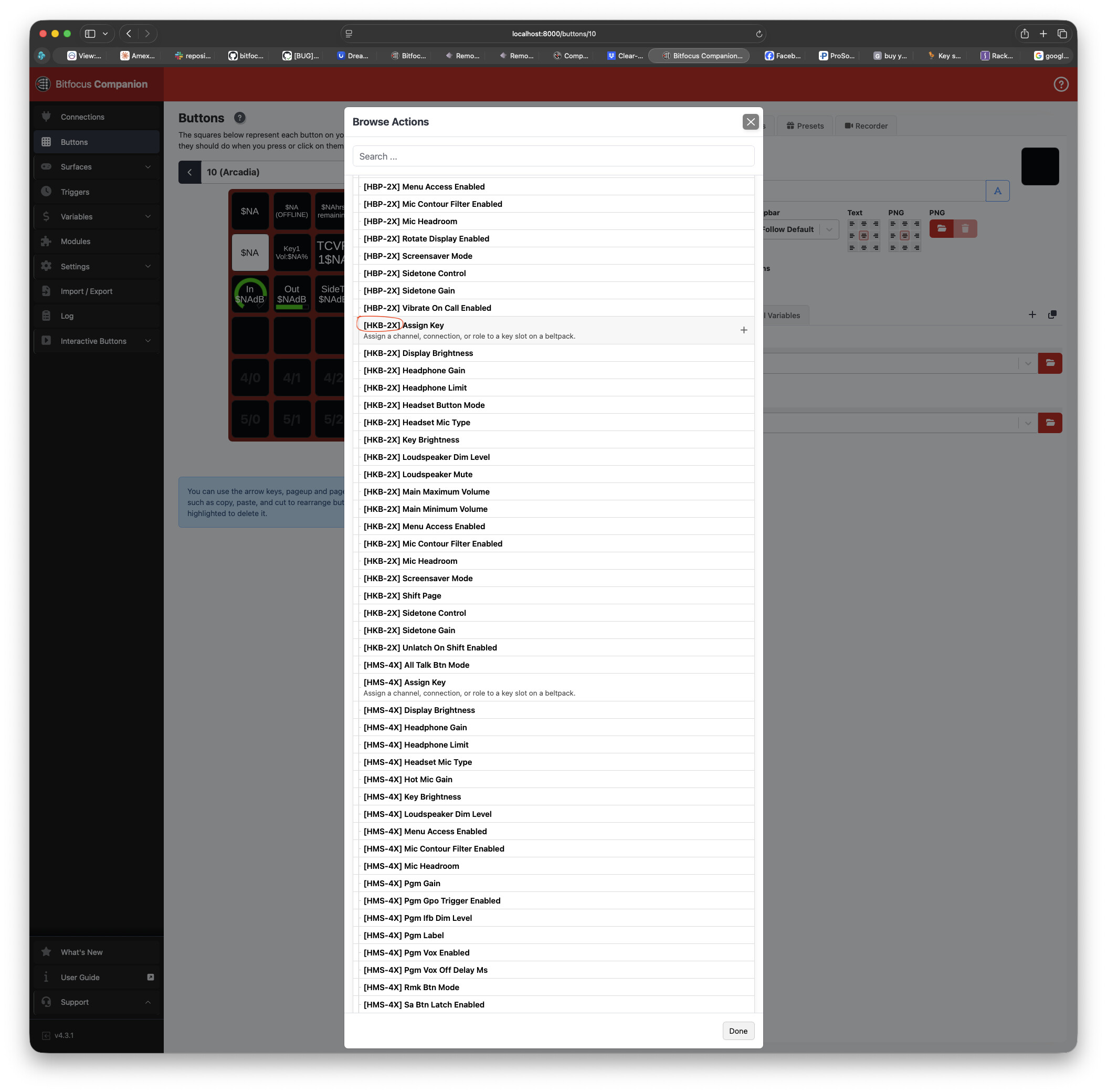
Also, is it possible to assign key values to an HKB-2X or will it only work with FSII -BP?
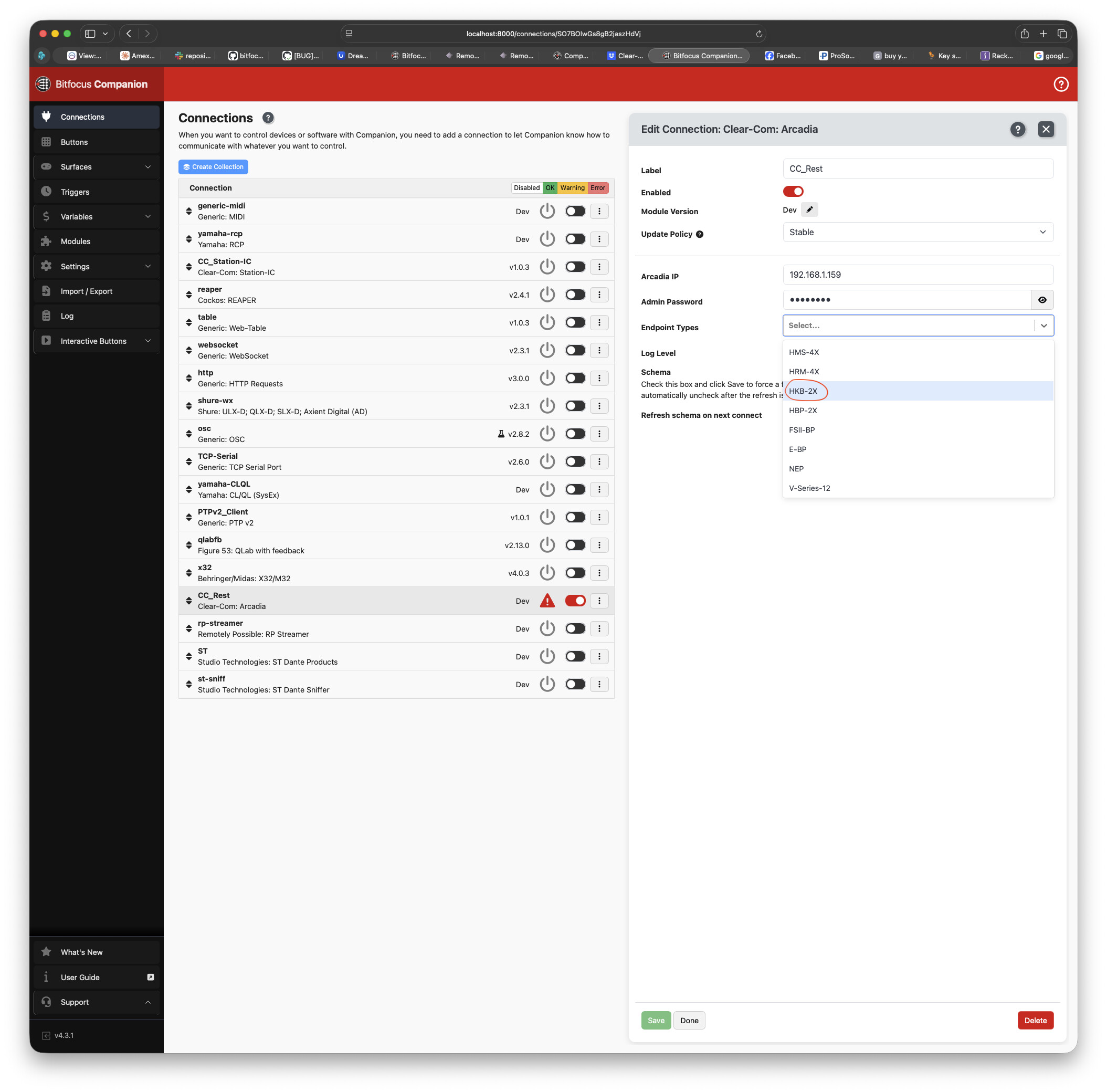
You should be able to select ANY model of endpoint. If you’re trying to set keysets on a HKB-2X with the [FSII-BP] commands then that might be why it’s not working.
If you leave the Endpoints selection blank, it should allow you to work with all devices. However, selecting only the product you want to work with makes the actions/feedback list a lot more manageable. There was a bug at one point that made it so that you needed to stop/start the module after changing that setting; let me know if that’s still the case?
Please pardon the slow reply. I’m working around active productions and time is fleeting.
I seem able to make a FSII-BP work just fine when in insert a 1000ms wait time between Assign Key actions. otherwise, all but the last Assign Key actions will revert to the previous assignments.
I’m still struggling to get an HKB-2X to accept assignments. Also, I don’t see the ability to address an HXII-BP?
I’m excited to integrate the FS II-BP into our workflow!
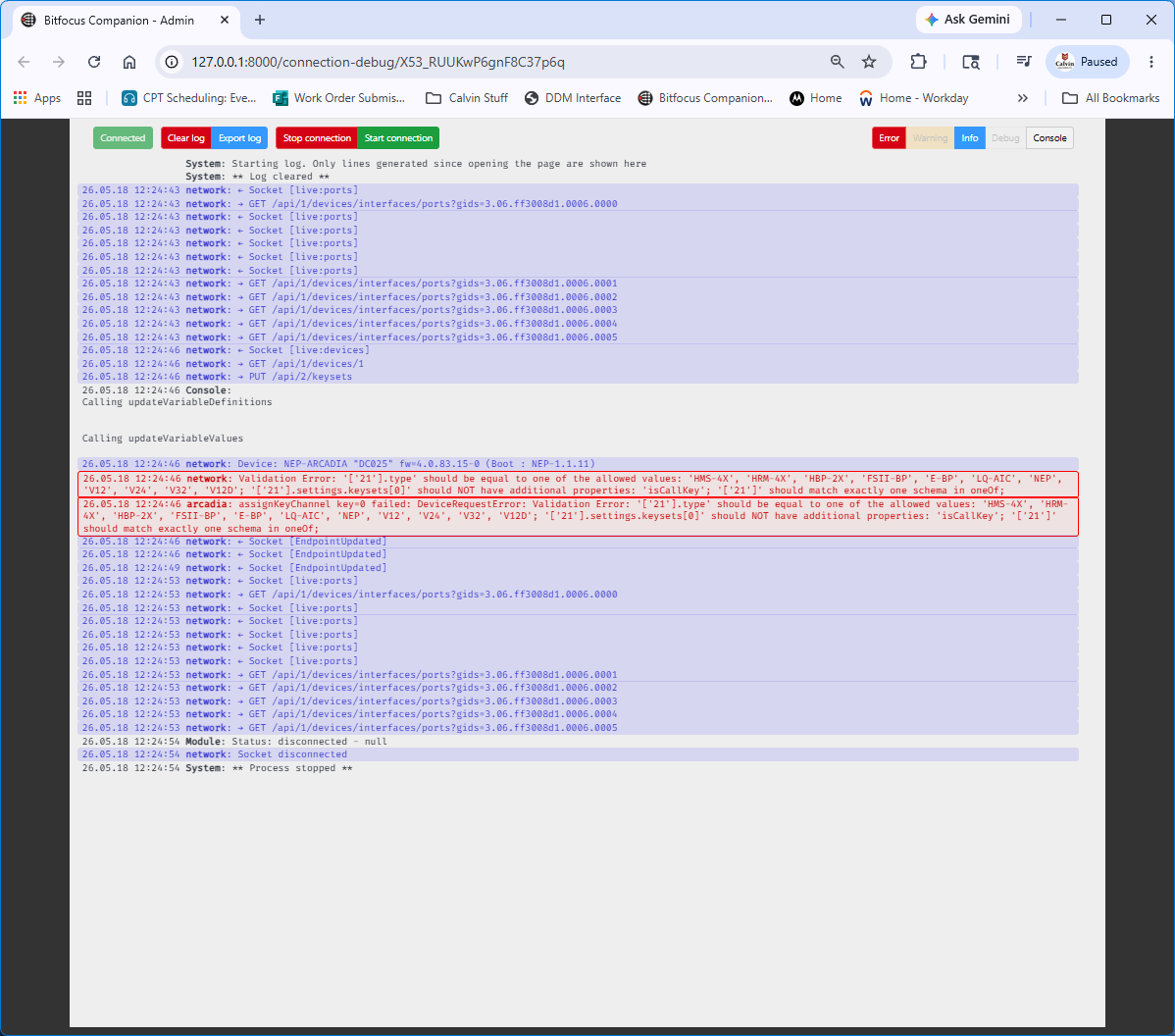
I’ll need to see the module log to see what the communication is when you try the HKB-2X key commands.
With the module config log level set to “debug”, Open the module log, click “Clear”, then try a key assignment action for the HKB-2X and then export that module log and send it to me, either here or via DM.
Some further explanation on what isn’t working with the HKB-2X or a short screen capture of the CCM when you are making a change would be helpful too. I don’t have any HKB-2X to test with.
Great info about the delay needed when changing multiple keys. I’ll look into that and see if there’s a way that the module can automatically wait between multiple commands like that.
Thank you for your reply. Unfortunately, the log image doesn’t mean much without context. I need to know what actions or feedbacks are causing the error.
Can you export your support bundle and module log for me? You can DM it to me if you don’t want to post it here.
Ok, I’ve determined the issue with the HKB-2X. Next, I want to fix the issue where changing more than 1 key only takes the last key setting, as well as looking at some formatting issues - the volume limits are showing 0-29 instead of -80 to 0 and interlocks are showing as 0 and 1 instead of enable/disable…
I should have an updated build to test soon.
Thank you again for testing and for your patience!
Ok, give v0.4.2 a try. It “should” fix the key setting for the HelixNet and also the ability to set multiple keys at once.
Keep in mind, if you’re setting multiple keys, it might be easier to just have multiple roles and switch between them (which is also a function within the module).
Let me know if that fixes things. Still puzzled about the logging, but hopefully I won’t need another one from you for a while!