I’m flummoxed on importing. The download is a .tar, how do I make it a .tgz? Renaming doesn’t seem to work. I have no developer skills, sorry if this is beyond basic.
If you’re using Safari, it’s un-compressing the file for you. (Apple trying to be “helpful”).
Turn off Open “safe” files after downloading:
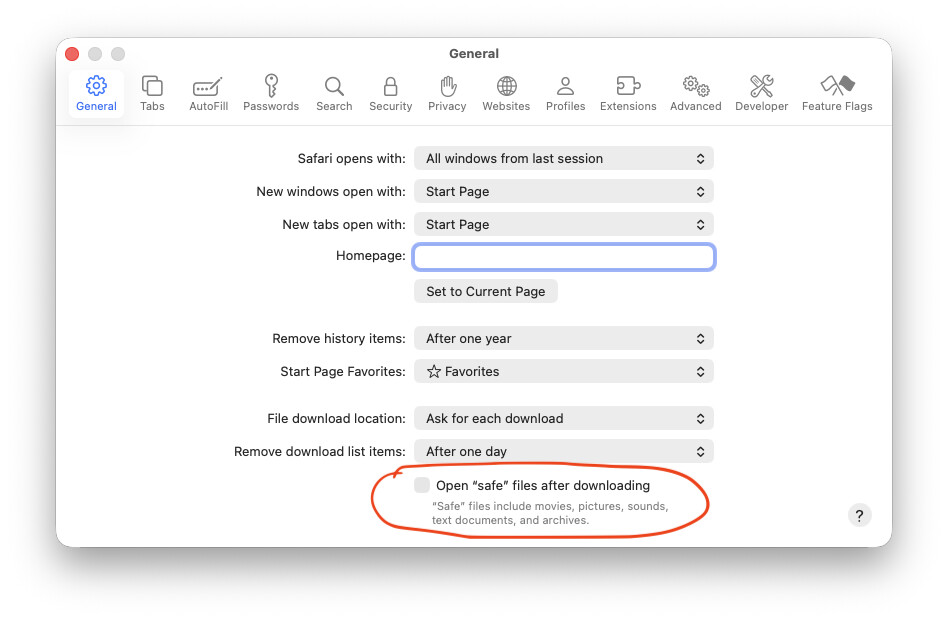
That did it! And the side benefit of client content will now stop automatically opening Quicktime when the download finishes.
Thanks Andy
1 Like
Hello Andy,
I’m using Chrome and it also downloads it as a pkg.
Not getting a .tgz then? Tell me more.
No. Still downloading as pkg and this is the folder I receive. I have changed where the downloads go..
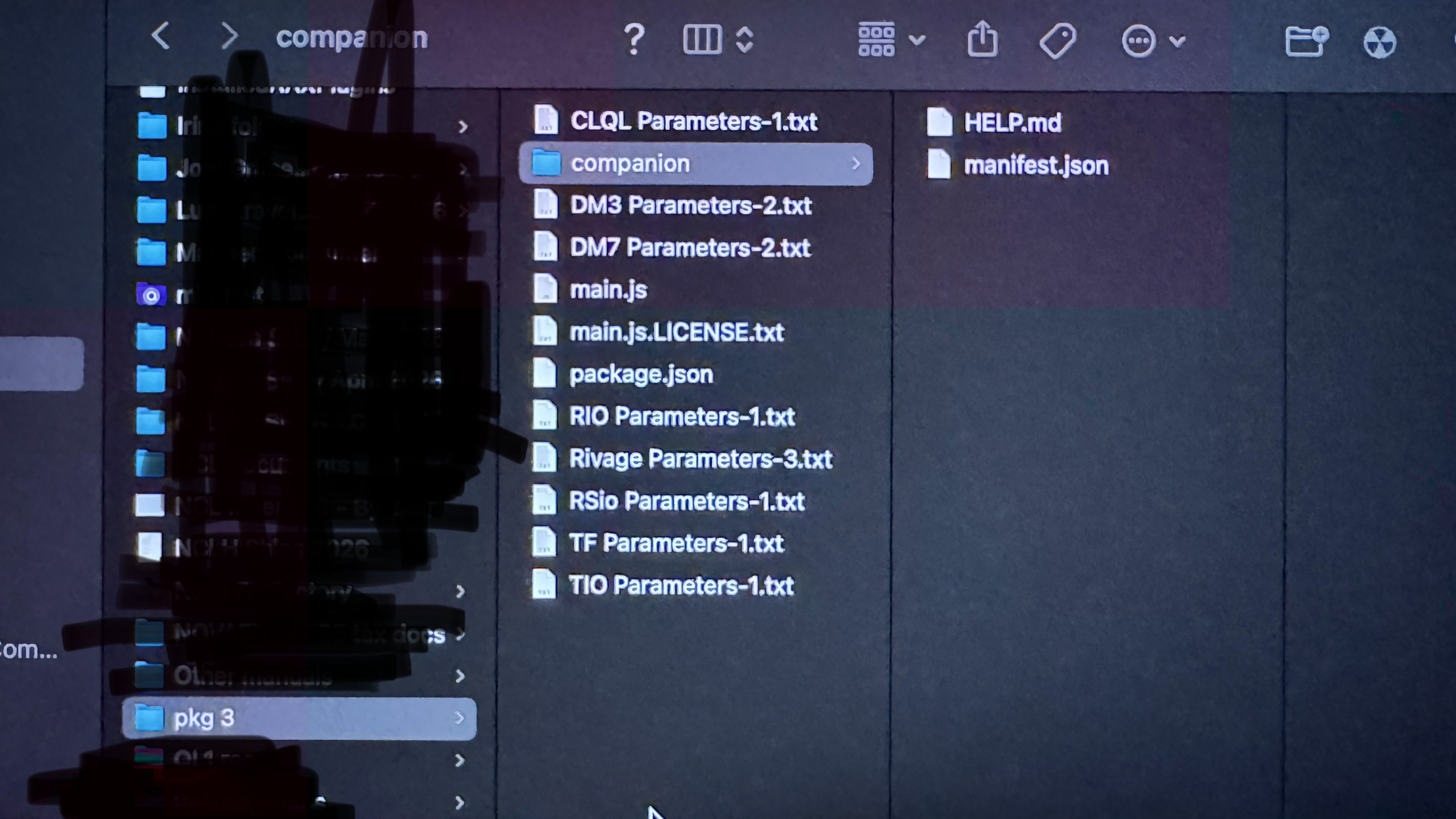
Ok, so chrome is doing the same thing as safari on your machine. You need to find the setting in chrome that auto-opens downloads and disable it.
Please post back once you find it in case someone else runs into this same problem.
Inter-web sez:
- If a file opens automatically after downloading, open the Downloads list
- Click the arrow next to the file, and uncheck Always open files of this type. (.tgz files)
So I turned off the settings that you mentioned but it’s not the issue of having a pdf open automatically, but I have turned off that setting anyway.
My issue is when I download from your link I get the following…
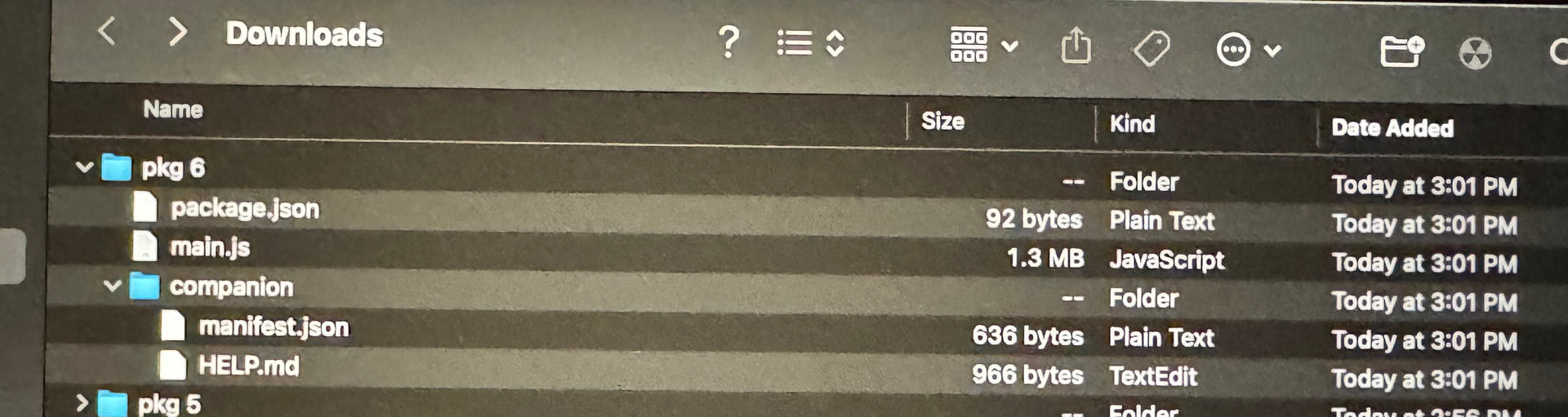
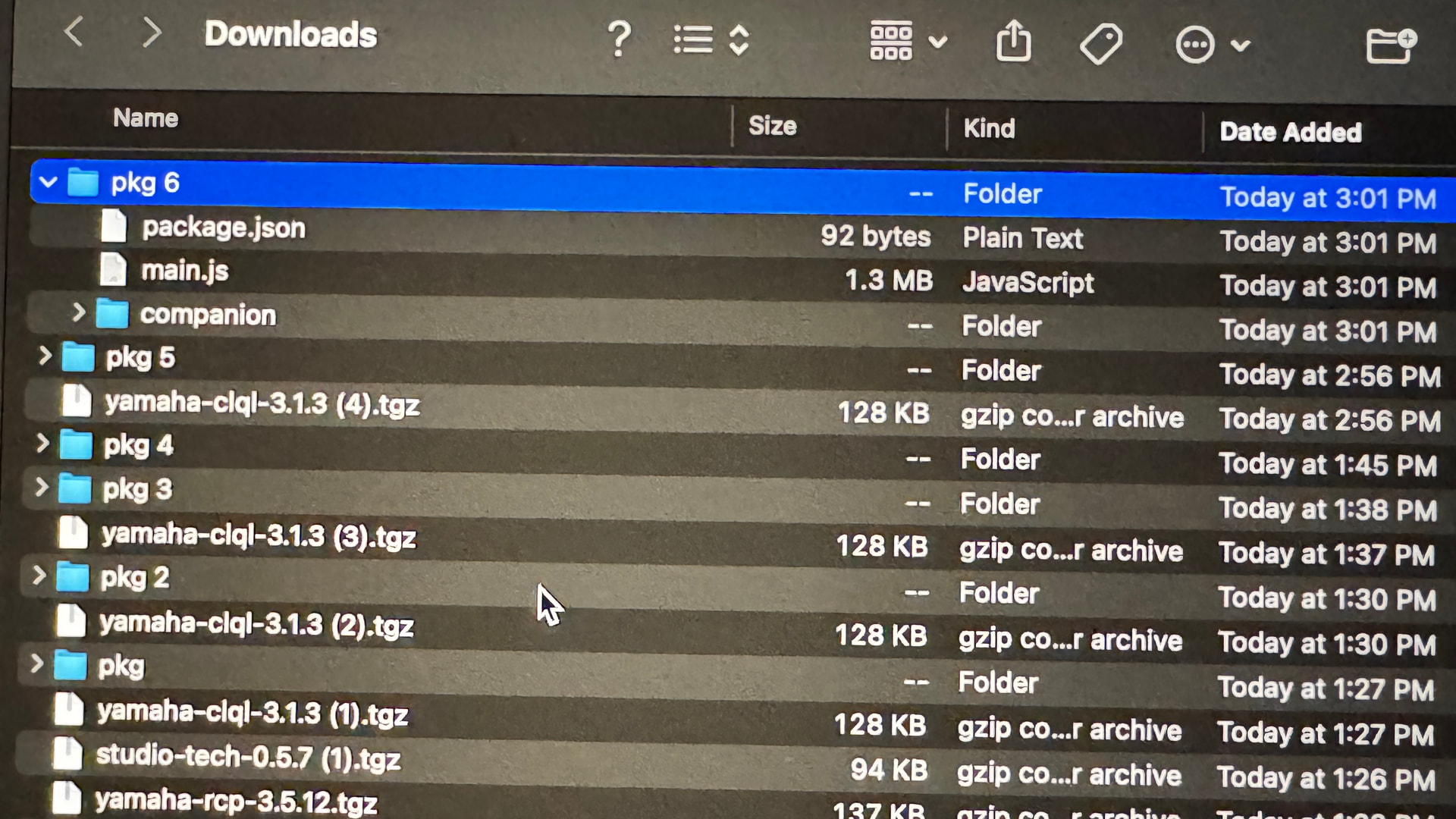
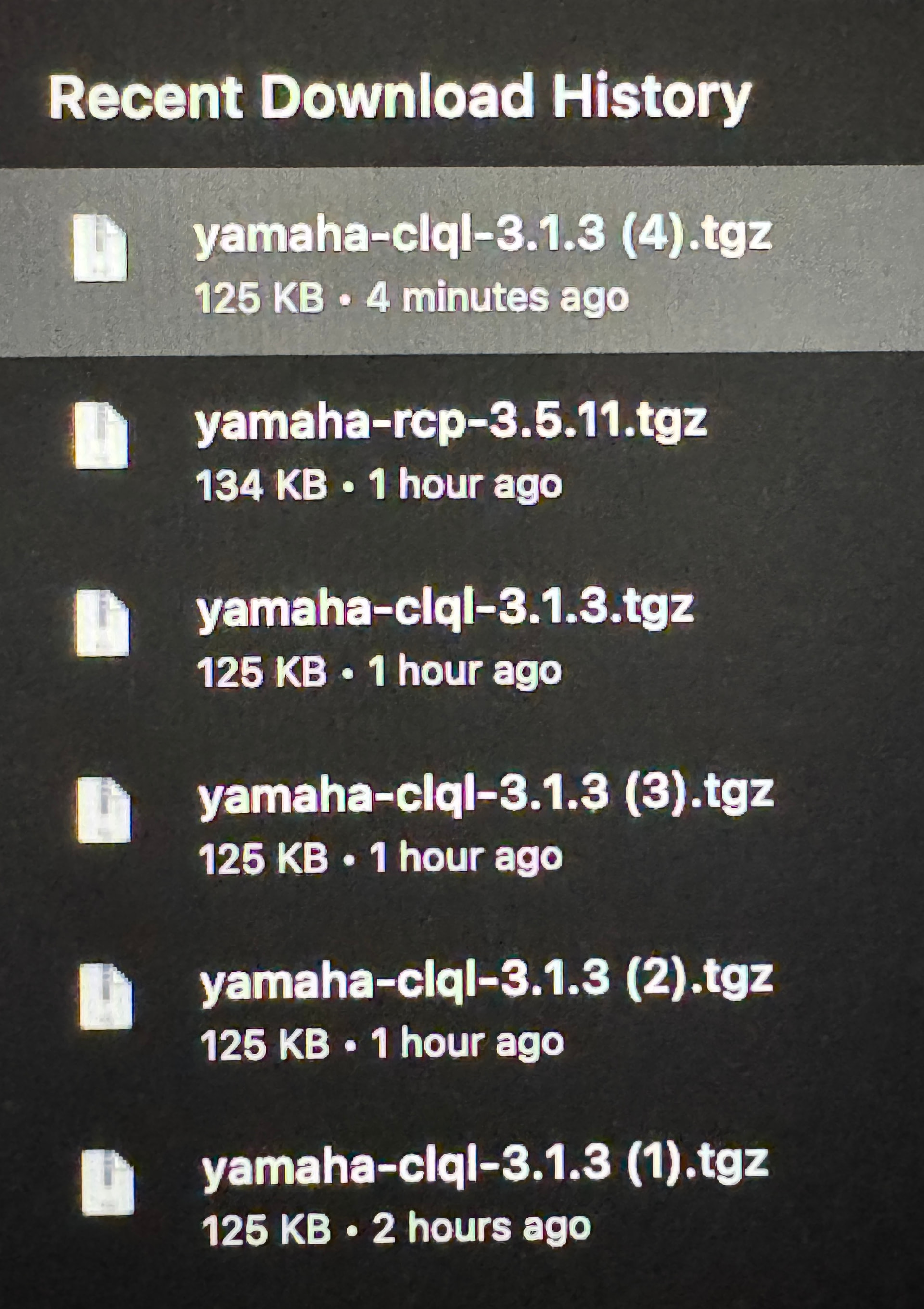
Sorry, the order is backwards on this from the pics I’m sending.
Bottom pic is what happens first then go up to the third pic. ( which in this order it became the first pic)
Looks like you have a few .tgz files now. What’s the issue?
(You should delete all those pkg folders and all the multiple copies)
2 posts were split to a new topic: Which Module do I need?
A post was merged into an existing topic: Which Module do I need?