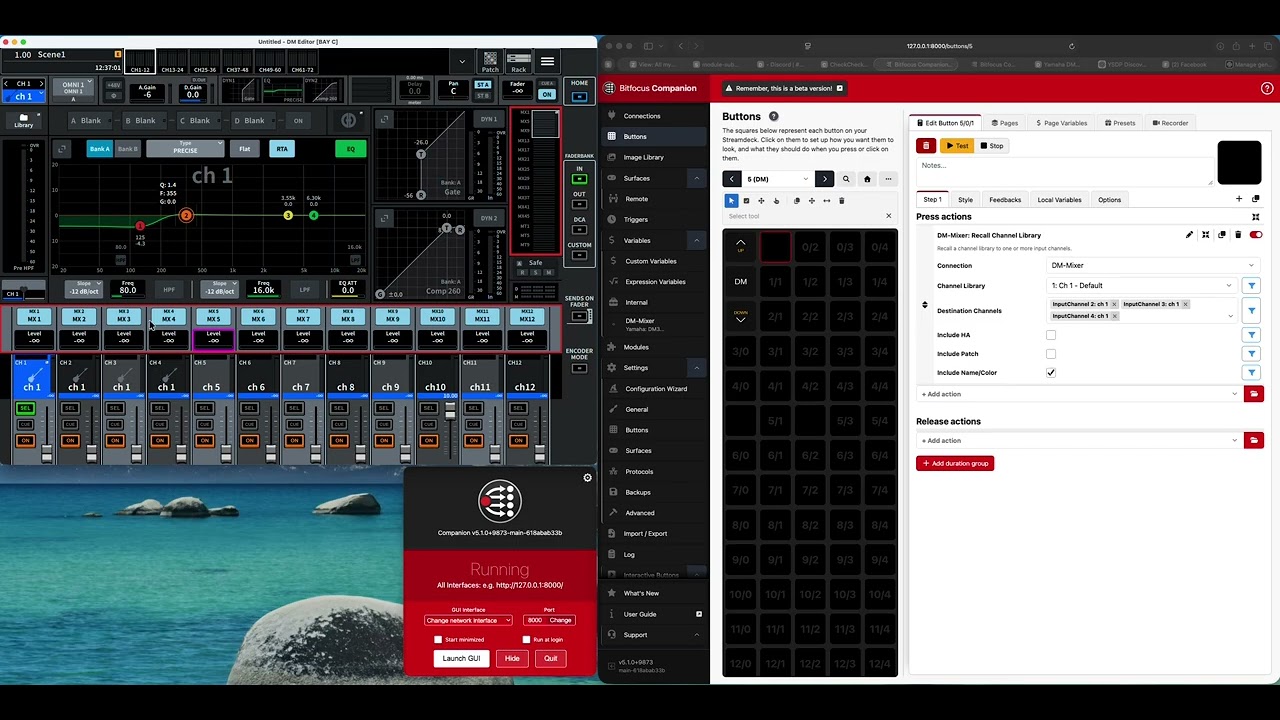
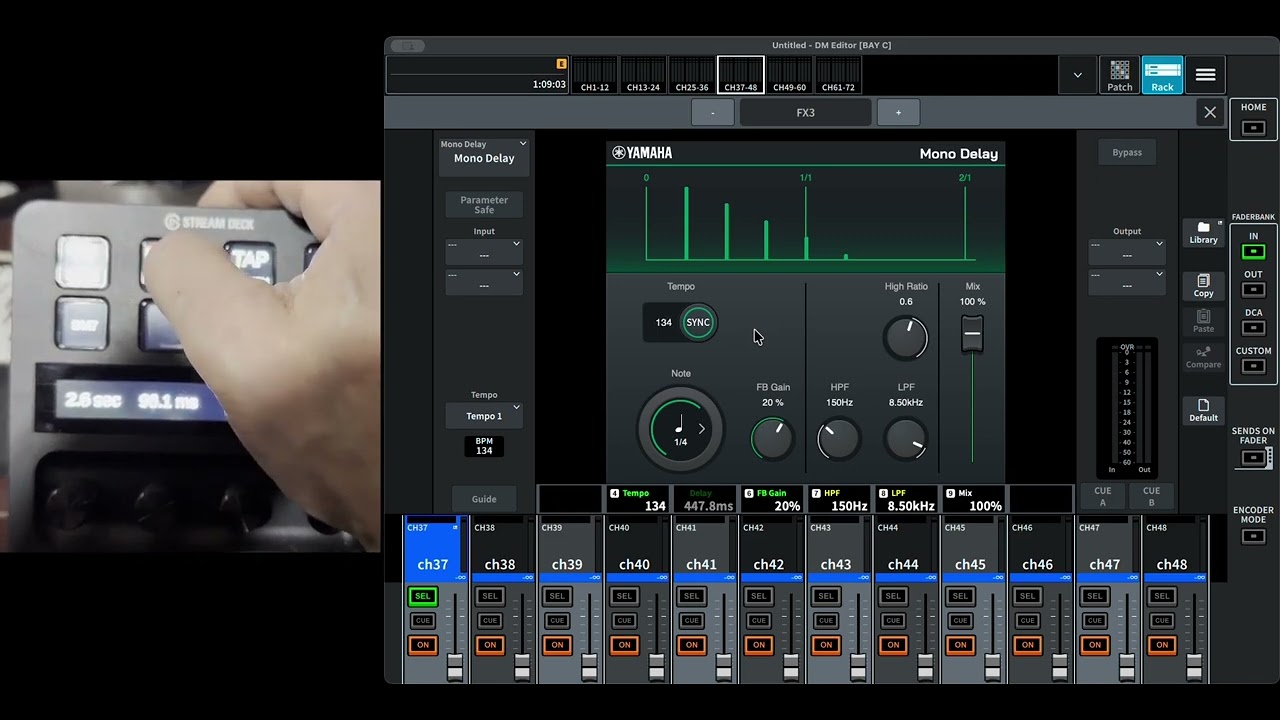
Looking to find who might be interested in Beta testing a new Companion module for the DM3, DM5 and DM7.
Initially, I’m focusing on the DM3 as it has FAR less complexity obviously.
Candidates must be very familiar with both the DM3 console operation, including the Editor and StageMix app, as well as a good understanding of Companion. For testing, Companion v5 will need to be used.
There is a LOT of commands and features with this new module, so I’m expecting a lot will need to be updated or fixed as people discover issues or things that need updating. Be prepared to clearly describe issues or feature requests, and include module logs.
The good news is that this module will take the control of the DM series to a whole new level, and do all the things that we wished we could do with RCP!
I hope people want to join in and help by testing it out and reporting back.
I found the .tgz file for the DM module and expanded it.
When I try to import to Companion 5 the files in the resultant folder are greyed out.
permissions issue? user error?
Don’t uncompress it. It needs to stay as a .tgz file. This is also why you need to turn OFF “open safe files” in your browser settings. Otherwise your browser will “helpfully” de-compress the .tgz file, and then Companion will refuse it.
You should be able to download it now and you can test things with the Editor if you don’t have a console nearby. Patch changes are definitely possible. The “Recall Input Library” even has an option to recall the patch as well as the channel settings, btw.
Give it a try and let me know what you find.
If you have access to a Rivage, let me know. What I need is a capture of the Rivage connecting to StageMix. For that, it will require a little advanced networking, but if you’re game, let me know.